Migrating From Fitbit To Google Health
Google has changed how Fitbit connections work. To keep syncing from your Fitbit device, you need to reconnect using Google Health. The steps below are a one-time migration that will not change or impact any of your existing Fitbit data.
Before initiating these steps, be sure to download the Google Health app from your phone's app store.
Completing the Migration in Our App
-
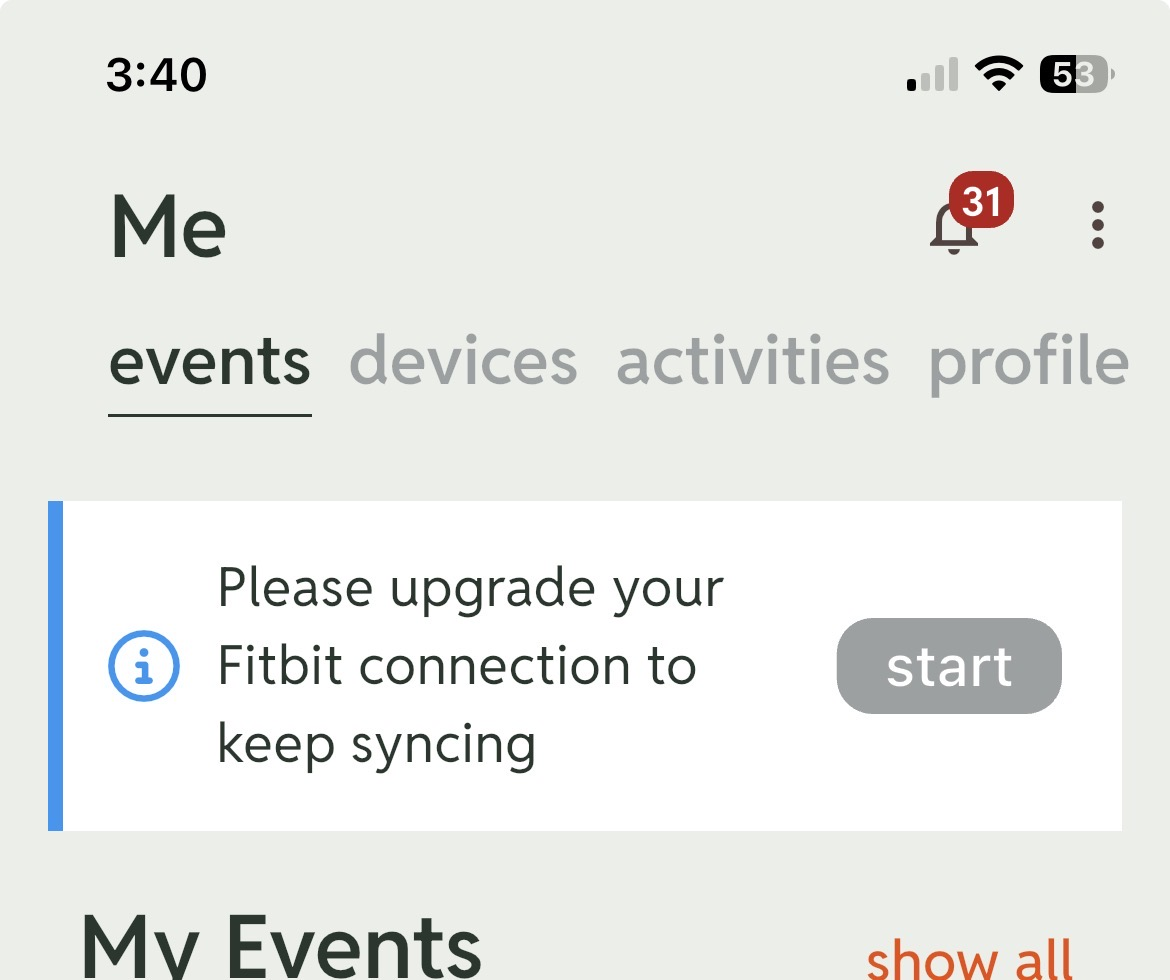
Tap start in the information box at the top of your me or dashboard tab. If you don't see this, your migration is already complete or your previous Fitbit connection was not successfully completed.
- On the Fitbit migration screen, tap Reconnect now.
- In the Sign in screen, enter or select your Google account and tap Next. Be sure to use the email address associated with your Fitbit account.
- Tap Allow when prompted to give our app access to your Google Account.
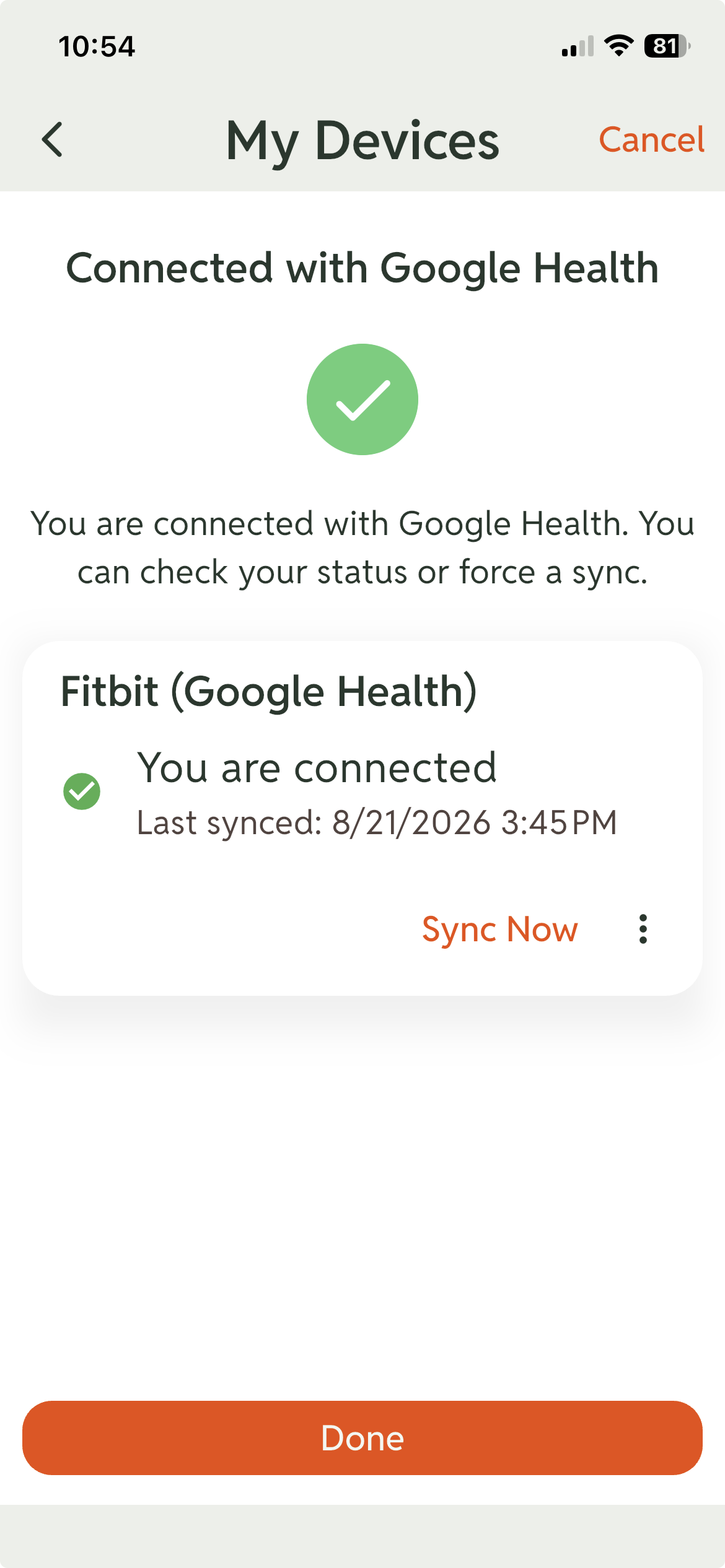
You will now be connected using Google Health. Once you confirm that it is syncing your activities, you can disconnect your Fitbit connection. You can confirm by tapping manage in the My Devices block in the dashboard or me tabs, selecting Google Health, and vieing the You are connected message.