
Creating a Ready-to-go Challenge - Deskercise Challenge
The Deskercise challenge encourages your team to incorporate simple movements into their workday. Here are the instructions for setting one up.
-
After completing the steps in the Creating a Ready-to-go Challenge article, you will arrive at a configuration screen. Here you will be prompted to choose how many different exercises you want your participant to complete each day.
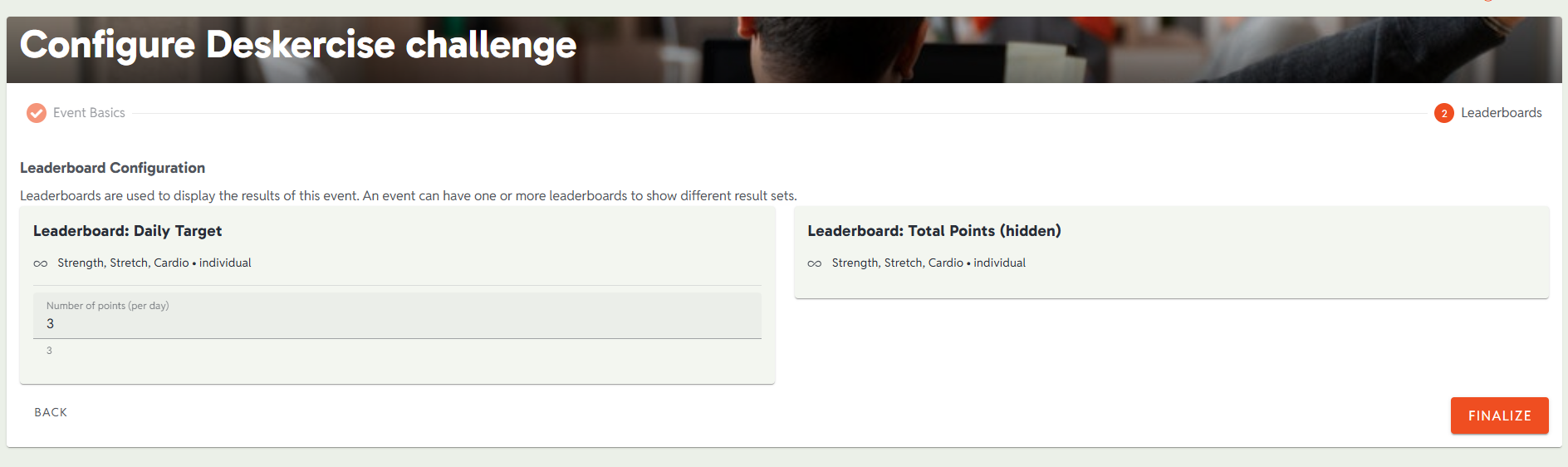 Once you’ve entered the quantity, select FINALIZE.
You will be taken to the administrator’s home screen for the newly created event. The left side of the screen is organized for easy navigation to the comprehensive features of the event management Admin Dashboard.
Your Deskercise challenge will offer participants several exercises in each of the following categories:
- Strength
- Stretch
- Cardio
Your participants can access instructions in the app if they want to learn more about how to do the exercises.