
Enabling Signup Without Verification
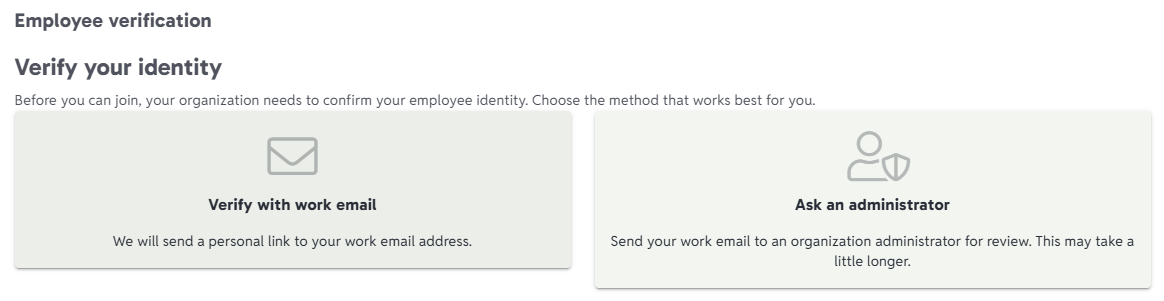
If participants receive a screen like the one below and you do not want to use verification, the following steps will walk you through turning it off.
-
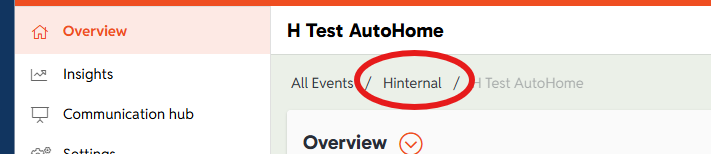
Navigate to your organization page. If you do not have the link for your organization page, you can find it in the admin console of your event by navigating to your event Overview page and selecting the link with your organization name that is below your event's name.
- Go to the Settings section of your organization page and change the setting of Require verification to join to NONE.
- Select SAVE.
Verification for your event will now be turned off.